Chapter 1: Creating the style guide
Before we start building our page, it’s a best practice to create our styles that will be used throughout the website. This includes our colors and basic font styling. We can override this styling later if we wish.
Fork the opening CodePen to your account:
Beginning CodePenPart 1: Colors
Here are the color values to use in our guide.
- Black: #000501
- White: #ffffff
- Tan: #b6b57b
- Green: #31b28a
- Light green: #8cdfc5
- Red: #ff4404
Part 2: Fonts
We will be using three fonts per the design. All are available at Google Fonts:
- Main website font: Lato, normal and bold
- Heading fonts: Josefin Sans, light
- Monospace (typewriter) font: Fira Mono, normal
When no exact number weight is given, designers assume that normal is 400, bold is 700, and light is 300.
Part 3: Other base styles
We will set styles for links, images, figures, and the body itself.
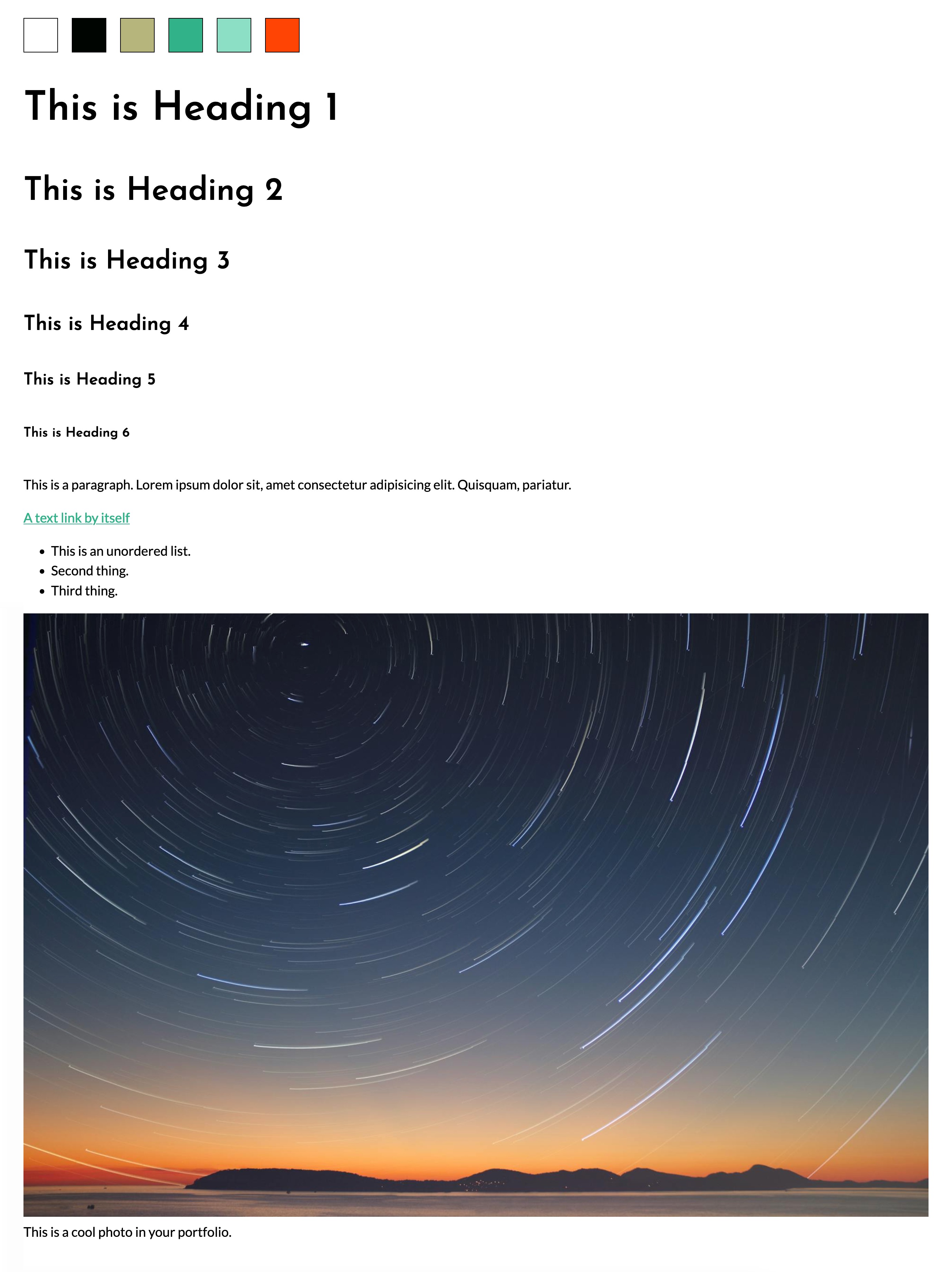
The finished styleguide should look like this:
 Ending CodePen